

Training organizations manage a long relationship with each student: the first inquiry, enrollment, documents, payments, attendance, progress and, finally, certification. When each step lives in a different tool, students fall through the cracks and staff spend their time chasing information. A CRM can hold the whole journey.
The student lifecycle
- Inquiry: a prospective student asks about a program.
- Admission: requirements, documents and approval.
- Enrollment: program, group, start date and agreement.
- Payment: plans and status (handled by the payment system and recorded in the CRM).
- Progress: attendance, modules and results.
- Certification: completion and certificate.
- Alumni: new programs, referrals and continuing education.
What the CRM should do

- One record per student with the full history.
- Automated reminders for missing documents, payments and deadlines.
- Clear ownership: admissions, academic and administrative teams each see what they need.
- Reports: inquiries by program and source, enrollment conversion, students at risk and completions.
Integrations that help
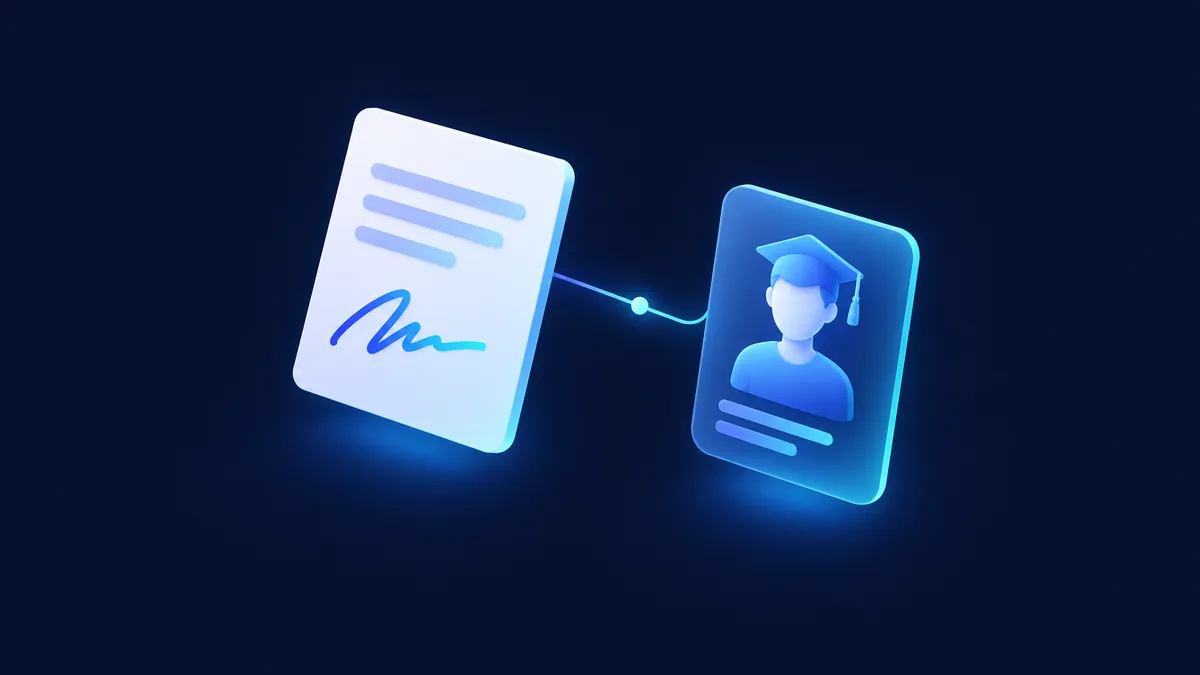
A common pattern for training organizations is to manage the student lifecycle in the CRM — from enrollment to certification — and connect e-signature and other systems only where they remove manual hand-offs.
- E-signature for enrollment agreements.
- Payment gateway for fees and plans.
- Learning platform for attendance and progress.
- Website forms for inquiries.
Where to start
Start with inquiries and enrollment, the part that drives revenue. Then add progress and certification in later phases.
FAQ
Can the CRM replace our learning platform?
Usually not. They do different jobs. The CRM manages the relationship; the learning platform delivers the content. Integrate them.
Can we manage several programs and campuses?
Yes, with a data model designed for programs, groups and locations.
Is student data secure?
Security depends on configuration, hosting and your internal policies. Design permissions by role, minimize who can export data, and review applicable privacy requirements with your advisors — this is not legal advice.
Next step
If you run a training organization and want the full student journey in one place, book a diagnostic.
Book a Consultation