
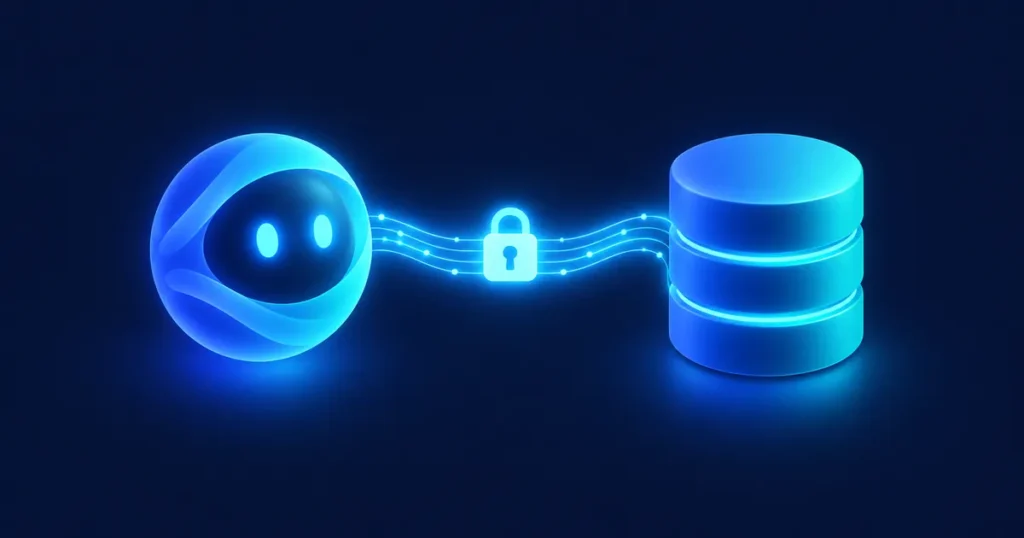
Many teams already use general AI assistants like ChatGPT, Claude or Gemini every day. The natural next question is whether they can work with CRM data. In some setups they can — but architecture, permissions and vendor policies matter as much as which assistant you pick. This is an overview of options, not a recommendation of any vendor.
What people want to do
- Ask questions about accounts, deals or cases in plain language.
- Summarize a customer's history before a meeting.
- Draft emails or proposals using CRM data.
- Update records after a conversation.
- Analyze pipeline or service trends.
Three ways to connect
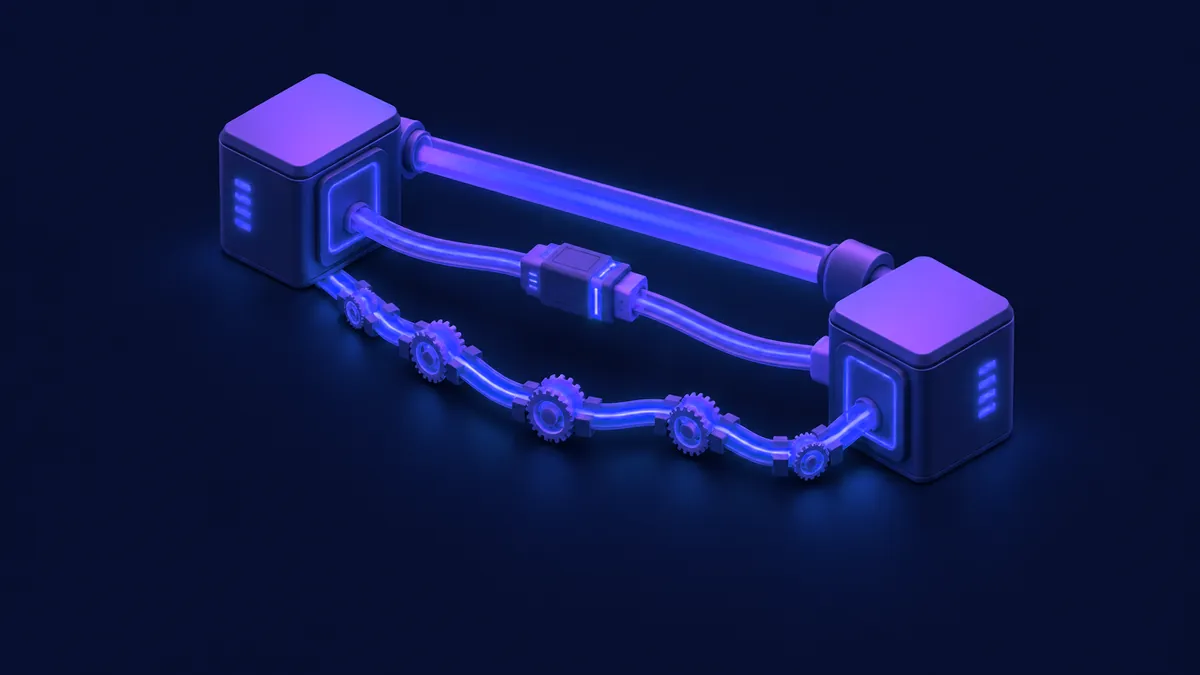
1. Built-in AI of your CRM. Many CRMs offer native assistants or agent-style features that are designed to follow the CRM's permission model. When available for your edition, this is usually the simplest and most controlled starting point. Confirm current capabilities in the vendor's documentation.
2. Official connectors and integrations. Some AI assistants and CRM vendors publish official connectors or app integrations. Some ecosystems also use open standards (for example MCP) so an assistant can call external tools in a structured way. Before you enable anything, check which connectors exist today for your CRM and assistant, and exactly what each one can read or write.
3. Custom integration through APIs. For specific use cases, a custom integration can connect an AI model to your CRM through its API, with your own rules and controls. More flexible, but it needs development, testing and maintenance.
Security first

Before connecting any AI assistant to customer data:
- Least privilege: the assistant should only access the data it needs.
- Respect existing permissions: a user shouldn't see more through the AI than they see in the CRM.
- Read before write: start with read-only use cases; allow updates only with review.
- Data policies: review each vendor's current terms on data use, retention and whether your content may be used for model training. Involve security or legal before connecting production CRM data.
- Audit: log what the assistant accessed and changed.
- Internal policy: define which data can be used with which tools.
How to start
Choose one read-only use case, like summarizing an account before a meeting. Test it with a small group, review accuracy and security, and only then expand. The same rule applies as with any AI in the CRM: clean data and clear processes come first. See What is an AI CRM?
FAQ
Which assistant is best for my CRM?
It depends on your CRM, your existing tools and your security requirements. Compare them on your specific use case.
Is it safe to connect an AI assistant to customer data?
It can be, with the right permissions, vendor agreements and controls. Don't connect production data without reviewing them.
Can the AI update records on its own?
Technically it often can, but start with review steps. Automatic updates should come after you trust the results.
Next step
Want to connect AI assistants to your CRM safely? Book a diagnostic and we'll define the right first use case.
Book a Consultation