
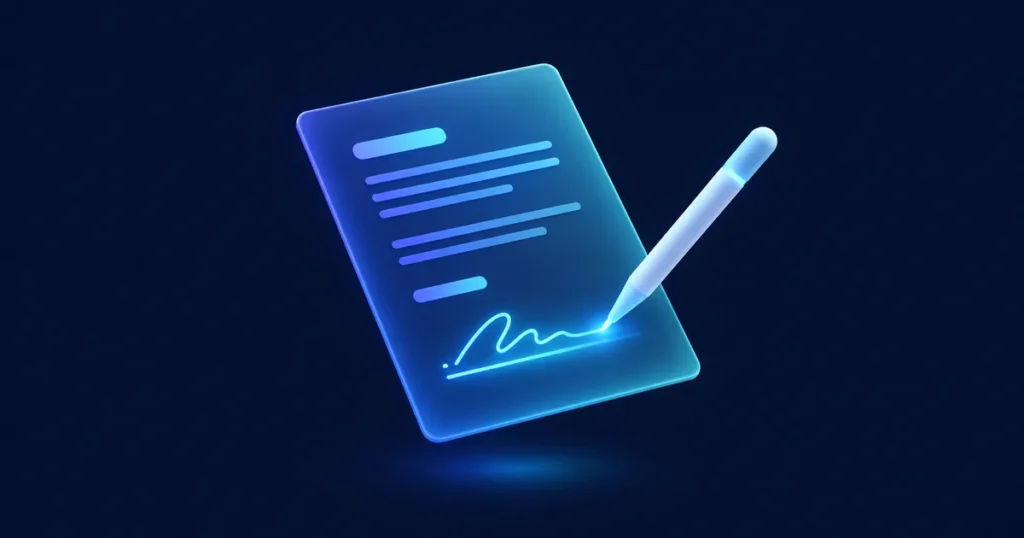
Many deals slow down at the very end: preparing the contract, sending it, chasing signatures and saving the signed copy in the right place. Connecting an e-signature tool to your CRM turns that into a few clicks, with the status visible to everyone.
The flow, step by step
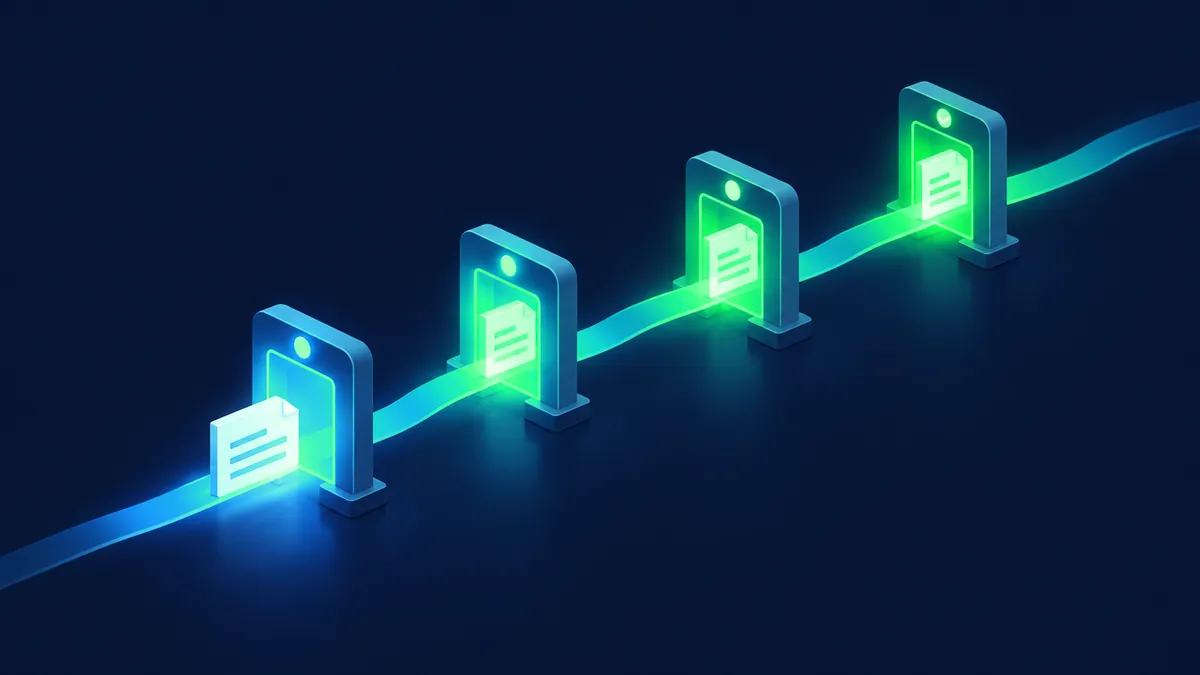
- The deal reaches the contract stage in the CRM.
- The contract is generated from a template, with the data already in the CRM (customer, product, terms).
- It goes through internal approval if needed.
- It's sent for signature from the CRM.
- The CRM shows the status: sent, viewed, signed, declined.
- The signed document is saved on the customer record automatically.
- The deal moves to the next stage, and the next team is notified.
Benefits
- Less manual work and fewer errors when copying data.
- Faster signatures and a visible status.
- Signed documents always in the right place.
- A clear handoff to onboarding, delivery or billing.
What to plan before building
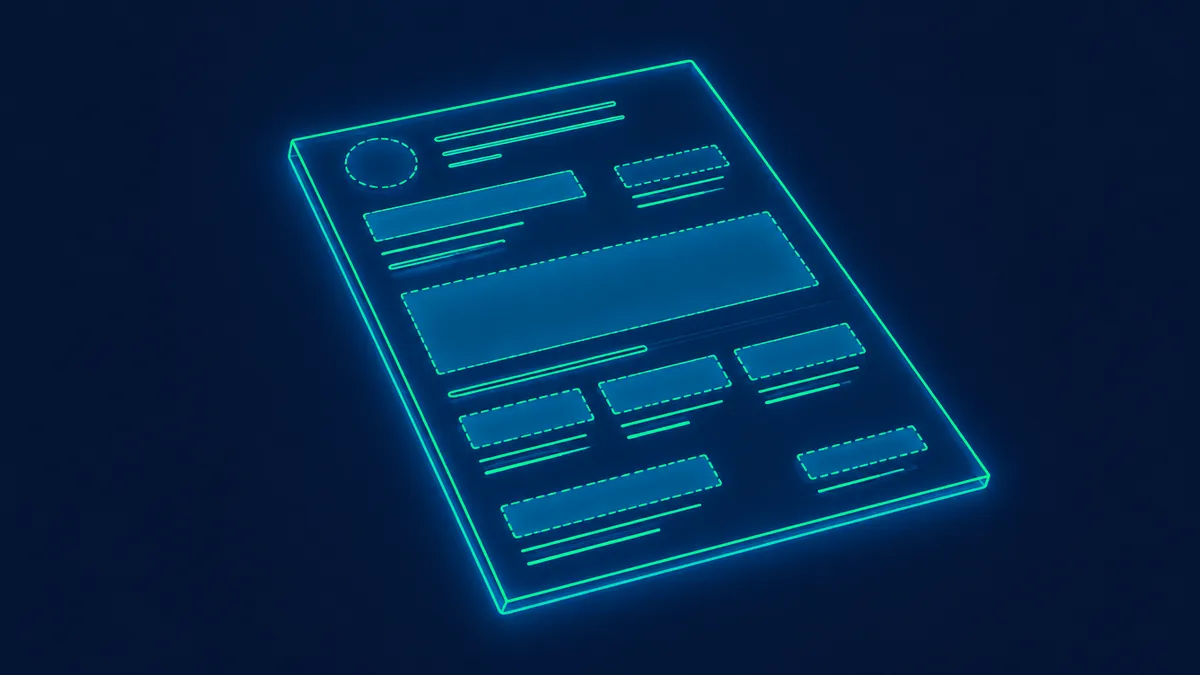
Many e-signature providers offer integrations or APIs that can connect to a CRM. Check which options fit your platform and your compliance needs. A common pattern in training and professional-services processes is to trigger signature from the CRM record and store status back on that record.
- Templates: which documents, which variations and who maintains them.
- Data: which CRM fields fill each template, and are they reliable?
- Approvals: who has to approve before sending, and in which cases.
- Signers: one or several, in which order.
- After signature: what should happen automatically.
- Legal requirements: electronic-signature rules vary by country and document type. Confirm requirements with your legal advisor before you automate regulated documents.
Common mistakes
More on planning integrations in CRM integrations.
- Templates with data that isn't actually in the CRM.
- Too many template variations.
- No defined process when a document is declined or expires.
FAQ
Is an electronic signature legally valid?
Validity depends on jurisdiction, document type and how the signature process is implemented. This article is not legal advice — confirm with your legal advisor before relying on e-signature for regulated documents.
Can we keep using our current e-signature tool?
Usually yes, if it has an integration or API for your CRM.
Can contracts be generated automatically?
Yes, from templates filled with CRM data, as long as that data is complete and reliable.