

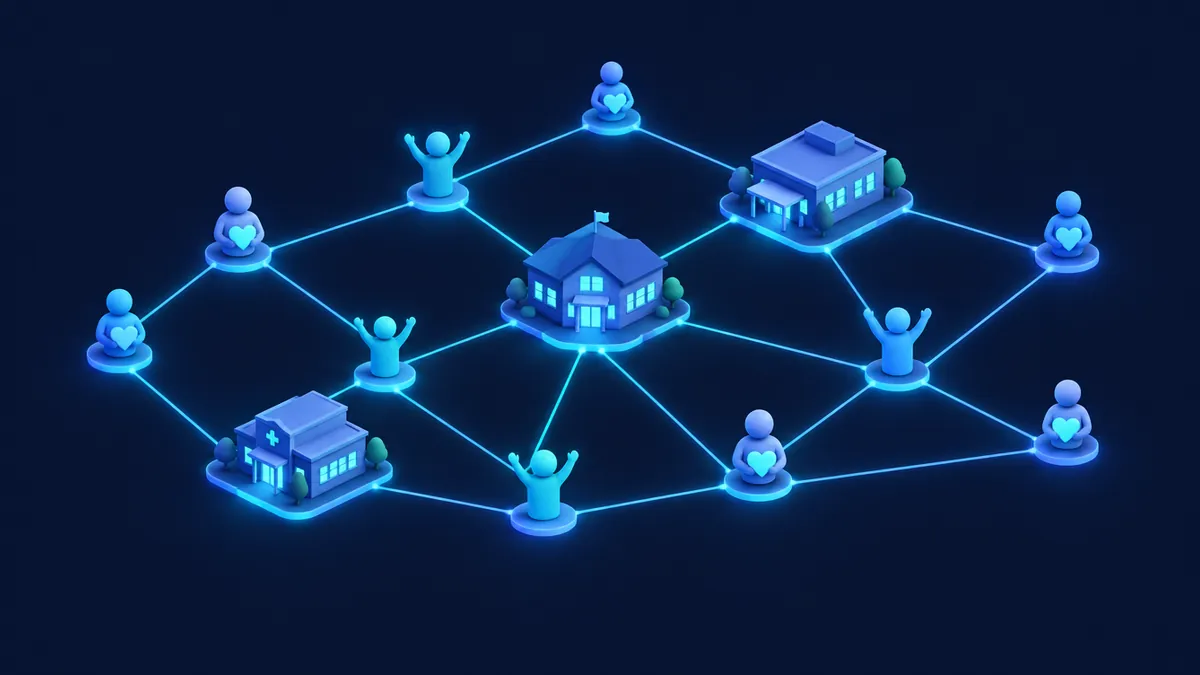
Nonprofits run on relationships: donors, volunteers, beneficiaries, partners and grantmakers. When those relationships live in spreadsheets and inboxes, it's hard to thank donors on time, report on impact or plan the next campaign. A CRM helps, as long as it starts simple.
What a nonprofit needs to track
- Donors and donations: who gives, how much, how often, through which campaign. Payment details stay in the payment system, never in the CRM.
- Recurring giving: monthly donors and their status.
- Volunteers: availability, skills and hours.
- Programs and beneficiaries: who you serve and how, with privacy in mind.
- Grants: applications, deadlines, reports and requirements.
- Communications: newsletters, appeals and thank-you messages.
What's different from a business CRM
Several CRM vendors offer nonprofit programs, editions or discounts. Check each vendor's nonprofit page for current conditions.
- Relationships aren't just transactions: a donor can also be a volunteer, a board member or a beneficiary's family member.
- Reporting is for many audiences: the board, grantmakers and the public.
- Sensitive data: information about beneficiaries needs careful permissions.
- Limited staff: the system has to be easy to maintain without a technical team.
Where to start

A practical starting pattern for many nonprofits is a donor registry connected to a payment gateway — keep the first scope small and expand only after adoption is real.
- Choose one priority process: usually donor management and donations.
- Clean and import your donor list, removing duplicates.
- Connect your donation form or payment gateway so every donation is recorded automatically.
- Automate the thank-you: a timely, personal acknowledgement for every gift.
- Build three basic reports: donations by campaign, recurring donors and donors who haven't given recently.
- Then add volunteers, programs or grants, one at a time.
Common mistakes
- Trying to manage every program from day one.
- Storing sensitive data without defining who can see it.
- Depending on one volunteer who knows how the system works.
FAQ
Is there a free CRM for nonprofits?
Some vendors offer free licenses or nonprofit discounts. Conditions change, so check each vendor's official nonprofit program.
Can a small nonprofit with no IT staff manage a CRM?
Yes, if it's set up simply, well documented and has a clear internal owner.
Can the CRM handle online donations?
Yes, by integrating your donation form or payment gateway so donations are recorded automatically.
Next step
If your organization wants to organize donors and donations in a CRM, book a diagnostic and we'll define the simplest first step.
Book a Consultation