
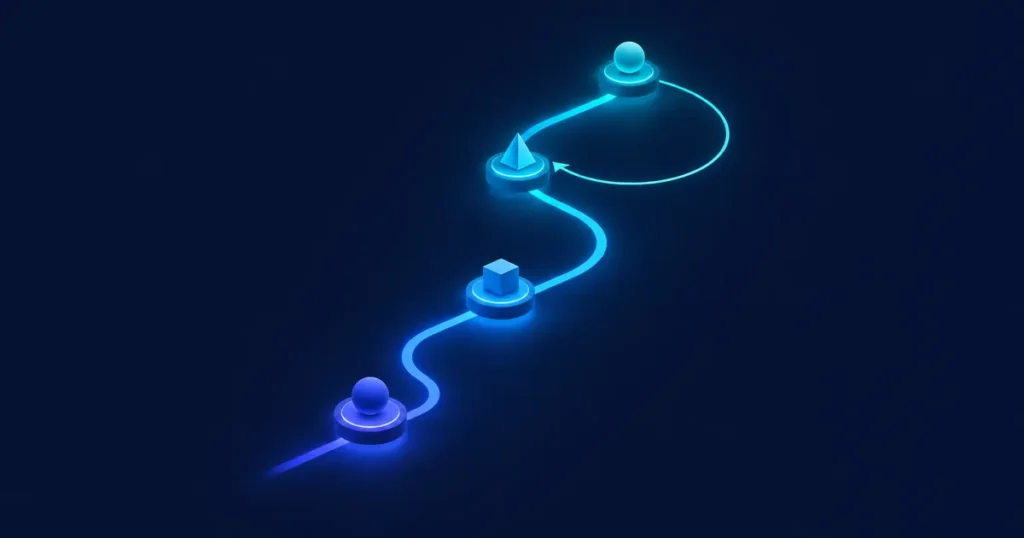
Short answer: a good CRM implementation goes through four phases: Discover (understand the business and the data), Design (agree how the CRM should work), Build (configure, migrate and integrate in short sprints) and Improve (train, launch and keep iterating). The order matters more than the tool. Most failed projects I've seen skipped or rushed the first two phases.
Phase 1 — Discover: understand before you configure

Goal: know exactly what the business needs from the CRM, and why.
What happens:
- Interviews with each team that will use the CRM (sales, service, operations, leadership).
- Mapping the current process: where leads come from, how deals move, where information gets lost.
- A data inventory: which systems, which formats, how clean the data is.
- A list of the integrations and reports that are actually needed.
- Priorities: what has to work first, and what can wait.
What you get: a diagnostic with the prioritized scope, the risks and a proposed first phase.
Phase 2 — Design: agree on how it should work
Goal: turn the scope into a clear design that the business approves *before* anything is built.
What happens:
- The target process for each team: stages, rules, approvals, handoffs.
- The data model: which objects and fields, which ones are required, and naming conventions.
- Roles and permissions: who sees and edits what.
- The integration design: what data flows where, and how often.
- Reports and dashboards, defined from the questions leadership needs answered.
- The migration plan: what gets migrated, what gets cleaned and what gets archived.
What you get: a design document and a prioritized backlog for the first sprints.
Phase 3 — Build: deliver in short sprints
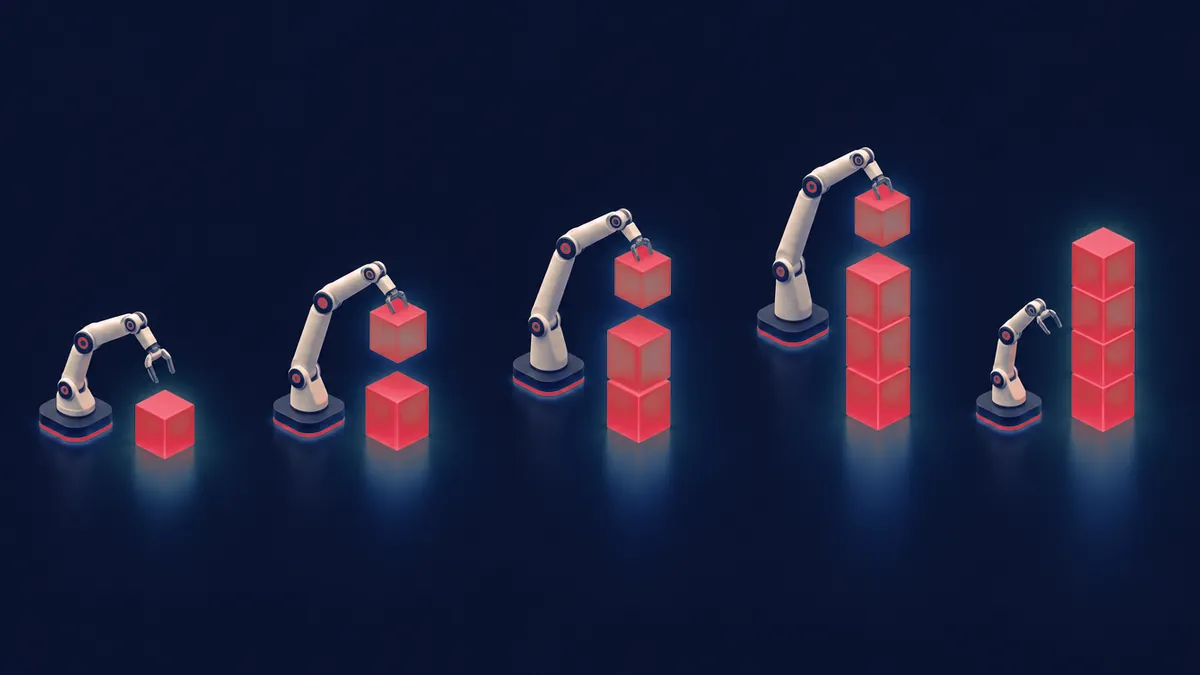
Goal: build in small pieces, show progress often and correct early.
What happens:
- Configuration first, custom code only when it's really necessary.
- Data cleanup and test migrations before the final one.
- Integrations built and tested with real scenarios.
- Automations, and AI use cases where they make sense, once the data is reliable.
- A review at the end of each sprint with the people who will use the system.
Working in sprints means the business sees real progress early and can change priorities without restarting the project. In a project for a vocational training organization, for example, the student lifecycle was built in stages, from enrollment to certification, instead of all at once.
What you get: working functionality at the end of each sprint, tested and documented.
Phase 4 — Improve: launch, adopt and iterate

Goal: make sure people actually use the CRM, and that it keeps evolving with the business.
What happens:
- Role-based training and short guides (not a 100-page manual).
- Go-live with close support during the first weeks.
- Adoption metrics: who's logging activity, which reports are being used.
- A backlog of improvements based on real use.
- Ongoing iterations: the cycle goes back to Build for each new improvement.
What you get: a team using the CRM day to day, plus a living improvement plan.
Common mistakes that derail the plan
- Starting with the tool instead of the process. Configuring before agreeing how the business works guarantees rework.
- Migrating everything "as is." Dirty data in a new system is still dirty data.
- One big launch at the end. Long periods without visible results lose the team's support.
- No internal owner. Someone in the company has to own the CRM after launch.
- Leaving training until the last day. Adoption is designed from the start.
I go deeper into these in Why CRM implementations fail.
Implementation checklist
- Each team's goals are written down and prioritized.
- The current process is mapped and the target process is approved.
- The data inventory is complete, with a cleanup plan.
- Integrations are defined (systems, direction, frequency).
- Required reports are defined.
- Roles and permissions are approved.
- There is an internal CRM owner.
- A training plan exists for each role.
- The post-launch support plan is agreed.
: optional — offer this checklist as a downloadable PDF in exchange for an email address (lead magnet). Measure it with `olTrack('generate_lead', {source:'checklist'})`.
FAQ
How long does a CRM implementation take?
There is no honest fixed answer: it depends on the scope defined in the diagnostic. We work in agile sprints, so the first results arrive in phases instead of at the end. You don't wait for one big launch to start getting value. The diagnostic gives you a realistic plan for your specific case.
Can we skip the discovery phase if we already know what we want?
You can shorten it, but I don't recommend skipping it. Even when the goal is clear, discovery often reveals data problems, hidden processes or integration needs that would otherwise show up in the middle of the build.
Do we need to clean the data before migrating?
Yes. At least remove duplicates, standardize key fields and decide what to archive. It's cheaper to do it before migrating than after.
What if our priorities change in the middle of the project?
That's exactly why we work in sprints. The backlog gets reprioritized at the end of each sprint, without restarting the project.
Does the plan change if we want AI agents in the CRM?
The phases are the same, but Discover and Design have to include the AI use case and the data it needs. AI only works well on top of clean, well-structured data. More in How to prepare your CRM for AI.
Next step
The plan starts with Discover. If you want a clear, prioritized scope for your CRM, book a diagnostic. You'll leave knowing what to do first, whether or not you work with us.
Book a Consultation